
GrizzGlass HybridGlass Camera Lenovo Legion Y70
€4.12*
Available, delivery time: 3-7 days. Orders may be fulfilled from multiple warehouses and delivered in more than one package.
- Free shipping from 50€ (Bitcoin or Monero only)
- 3% Discount when paying with BTC or XMR
- #Privacyfirst - Optional Customer Accounts by default
- No Marketing Analytics

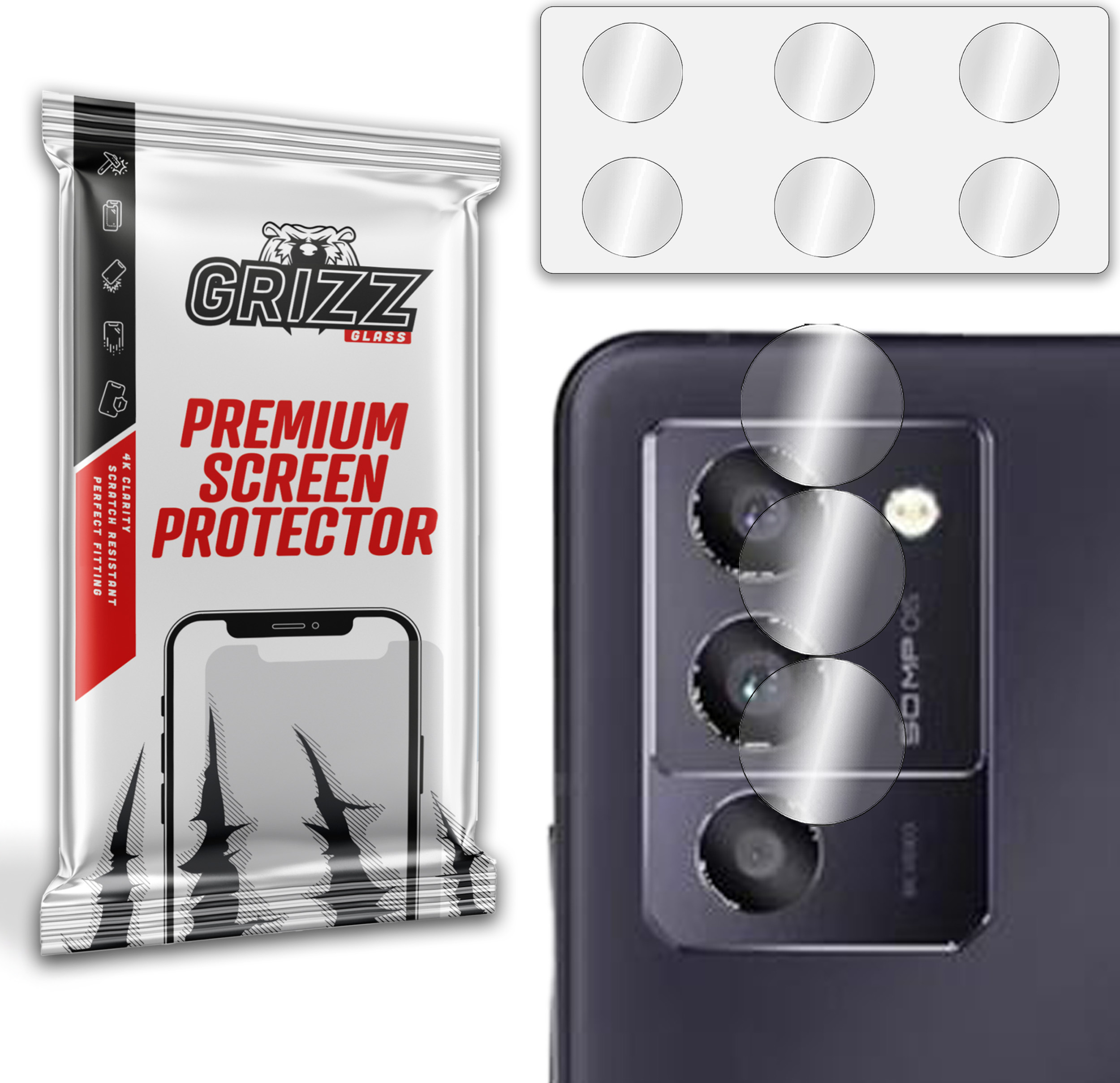
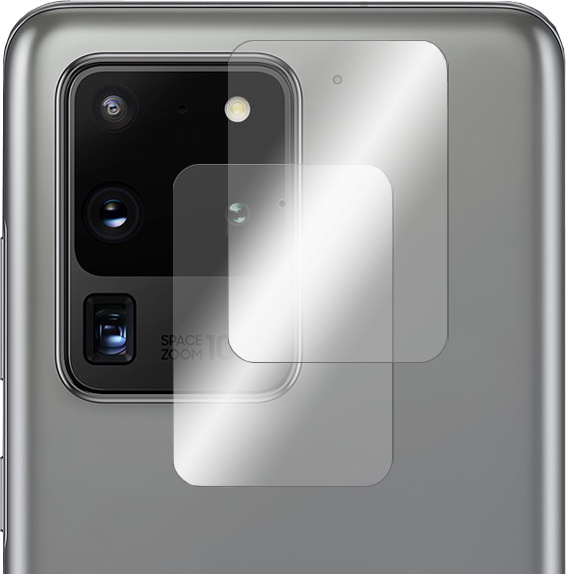
Grizz Glass HybridGlass Camera hybrid lens glass
Key features:
- two sets in a package
- NEW! hermetically packed, thanks to OxyFree Technology
- easy installation
- perfectly matched
- flexible, does not crack or crumble
- perfectly protects against scratches and bumps
- ideal transparency
- does not affect the quality of photos
Set includes:
2x Grizz Glass HybridGlass Camera for smartphone
1x wet cloth
1x dry cloth
1x original packaging

The material from which the hybrid glass is made perfectly preserves the transparency. the quality of the photos remains unchanged - at the highest level

The product has been hermetically packaged using OxyFree Technology. The adhesive layer is not exposed to external factors such as dust and dirt during transport and storage

Repairing a camera can be costly and time-consuming. Grizz Glass HybridGlass Camera strengthens the lens on impact and protects it from scratches.

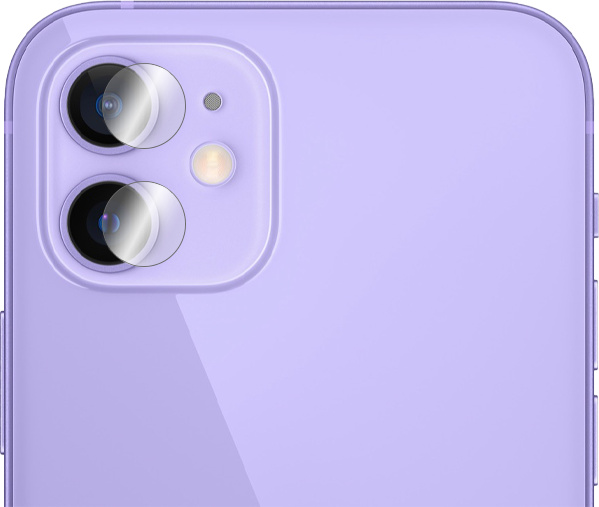
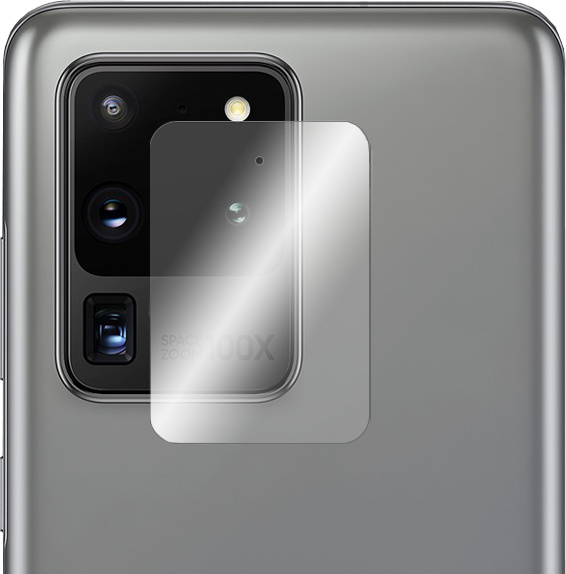
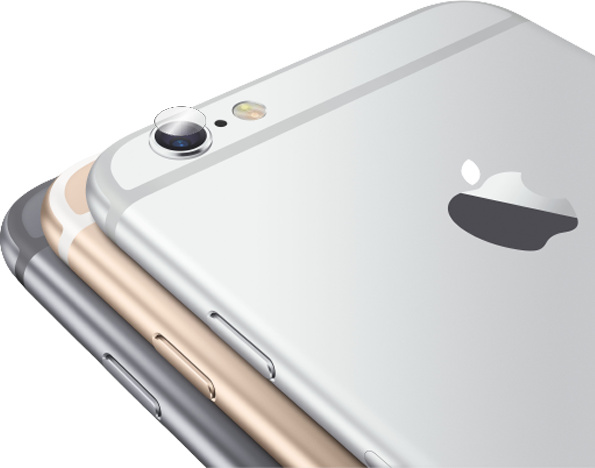
Thanks to its flexibility, Grizz Glass HybridGlass Camera won't crack or shatter, and it adheres perfectly to the device's lens.

Check out how to install:
https://youtu.be/O9IUgSBXnVw
Installation Instructions:
1. Wipe the lens with a wet and then dry cloth
2. Use DustStix to remove dust
3. Pull the glass off the blister
4. Fit the glass to the lens
5. Press the glass gently against the lens and push out air bubbles
6. Wipe the glass with a dry cloth
READY!
Login
